
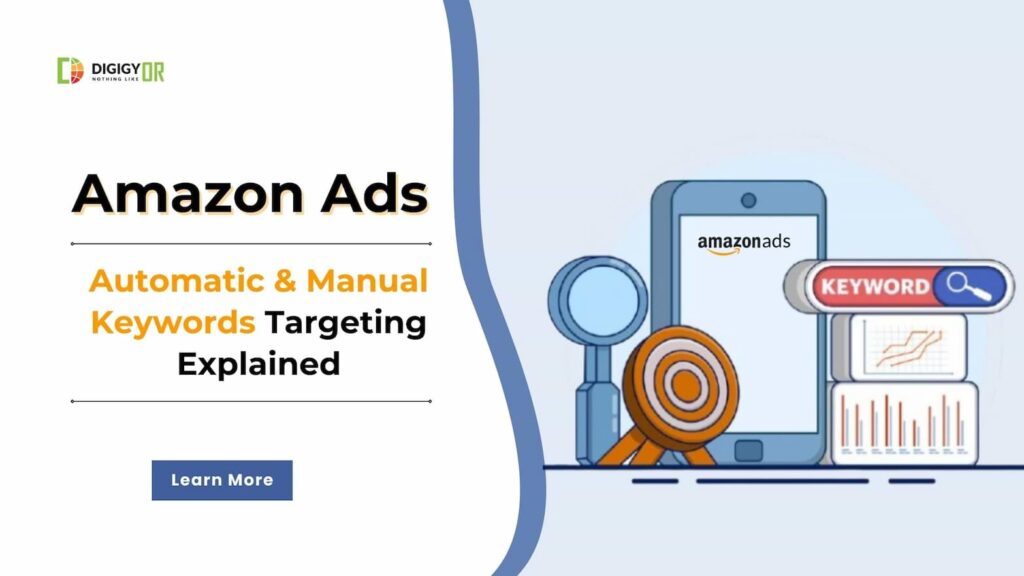
Running pay-per-click (PPC) ads is one of the fastest ways for sellers to drive visibility and traffic on Amazon. By leveraging Amazon Advertising, your sponsored product ads can appear at the top, middle, and bottom of search results pages—allowing you to secure premium digital real estate without waiting to rank organically.
However, when setting up a new campaign in Amazon Seller Central, you face a critical first choice: Automatic vs. Manual targeting.
Your choice of target type dictates your entire Amazon keyword strategy. In short, manual targeting requires the seller to explicitly choose the keywords and products to target, while automatic targeting hands the reins to Amazon’s algorithm. Both methods have distinct pros and cons. Let’s break down how they work so you can maximize your return on ad spend (ROAS).
What is Automatic Targeting?
Automatic keyword targeting gives Amazon control over running your ads. Amazon will show your ads using similar and relevant keywords related to your product. The system will control bidding strategy. Though you can monitor the keywords from where your campaign is getting hits, you can later either pause the keywords or add them to negative terms.
Pros:
- Save Time: Amazon controls the ad strategy, so you won’t need to invest time in it.
- Keyword Discovery: It will harvest many new long-tail keywords and display ads. Amazon experts recommend using automatic and manual targeting as effective organic strategies for generating a list of highly converting long-tail keywords.
Cons:
- Lack of Direct Control: No control over the targeting keywords. Because you aren’t selecting the keywords, Amazon may display your ad for irrelevant queries, leading to wasted spend and a high ACoS (Advertising Cost of Sales).
- Higher Bidding Risk: Amazon controls the bidding. You will charge high for every click generated through auto targeting, as you did not manually set a PPC bid.
Pro-Tip: Amazon breaks automatic targeting down into four different match groups: Close Match and Loose Match (for search queries), and Substitutes and Complements (ideal for displaying your ads directly on competitor product detail pages to expand your brand’s reach).
What is Manual Targeting?
Manual keyword targeting allows sellers to assign keywords for the campaign. You can add your keywords, negative terms, etc, and advertise. Define the keyword type (broad, exact, and phrase) and set the bids. Amazon will display ads on the keywords and bid as set by you.
Pros:
- Maximum Campaign Control: More control over the campaign. You can control the campaigns at your level. This will ensure targeted customers land on your product detail page. As the targeted audience will reach your product listing, the chances of conversion are higher.
- Experiment with Match Types: You can easily run broad, exact, and phrase match keywords. Give a trial and go with the best match type that generates results for you.
- Optimized Ad Spend: Since you control the exact bid per keyword, you can aggressively bid on high-performing terms and lower bids on underperforming ones.
Cons:
- Requires Good Research Skills: To get the most out of Manual targeting of Amazon features, you need good keyword research skills. You must invest time in research or use a reliable keyword research tool for Amazon.
- Smart Match Type Management: Also, the selection of keyword match types on Amazon is important. Whether to use exact, broad, or phrase match keywords depends on product, category, and competition, among other factors. You need to use the match type smartly.
- DailyMonitoring: As it is a manual campaign, you need to be active. Open the dashboard regularly, check the stats, and take action. Suppose you’re running a broad match type, and you need to exclude irrelevant keywords from which your ad is getting clicks.
Amazon Automatic vs. Manual targeting: What to Choose
The choice between automatic and manual targeting depends entirely on your product’s lifecycle, your budget, and your experience level.
For new product launches or sellers with limited PPC experience, automatic targeting is the ideal starting point. Running an auto campaign for 15–20 days allows Amazon to gather data and generate a valuable list of customer search terms that actually convert into sales.
Once you have that data, the real strategy begins: you can transition those high-performing search terms into a manual campaign where you can optimize the bids for maximum profitability.
You can consult our Amazon PPC management experts to better understand your target keywords. They can help you audit your products and store, and advise on the best strategies to maximize the benefits of your Amazon Ads.
Conclusion
Choosing between automatic and manual targeting shouldn’t be an “either/or” decision. For most successful sellers, the real magic happens when you combine the two. By using automatic targeting to discover profitable new search terms and manual targeting to optimize your bids, you get the best of both worlds: maximum visibility and complete control over your budget.
Optimize Your Amazon Store with Digigyor
Navigating Amazon PPC architecture, keyword match types, and bid optimization can quickly become overwhelming. If you want to stop wasting ad spend and start scaling your revenue, we can help.
At Digigyor, our team of professionals provides complete, end-to-end Amazon seller account management services. We audit your store, build data-driven advertising strategies, and optimize your listings for maximum organic and paid growth.
Schedule a Free Consultation with Digigyor Today, and let’s take your Amazon business to the next level.
FAQs
1. What is The Difference Between Auto and Manual Targeting?
Auto-targeting is handled by Amazon software. They define the keywords where your product ad will appear. In manual targeting, you assign keywords to run ads on.
2. Which Targeting is Better For New Sellers?
A seller with less PPC knowledge should start a campaign with auto targeting. After a few days, they can extract the list of performing keywords and start manual targeting.
3. Can A Seller Run Both Auto and Manual Ads Together?
Yes, a seller can run both campaigns simultaneously.



Comments are closed.